

Your media library.
yours forever.
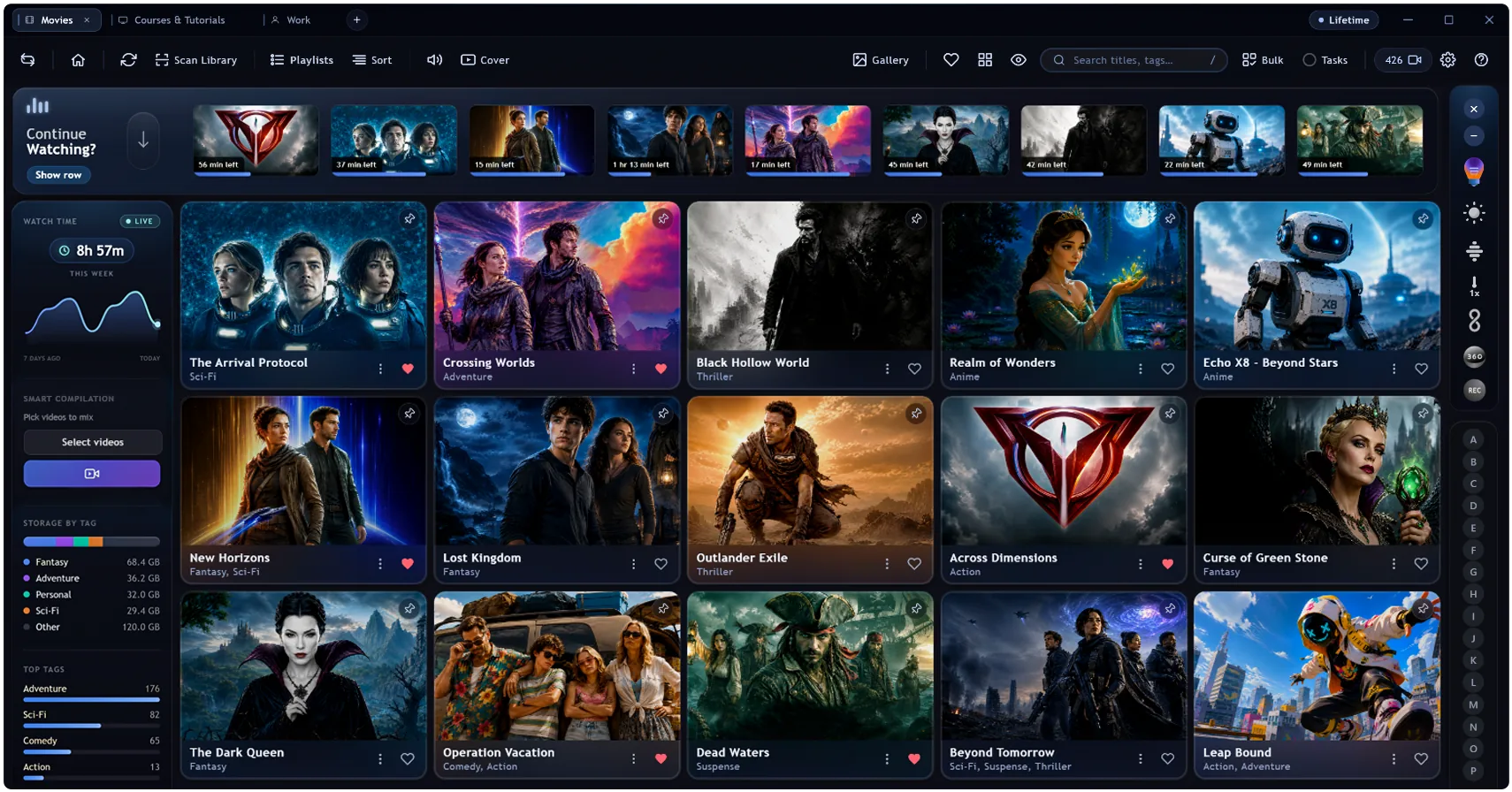

A premium library and player for the collection you own.
- 100% offline
- No subscription
- One-time unlock
- Opens your files
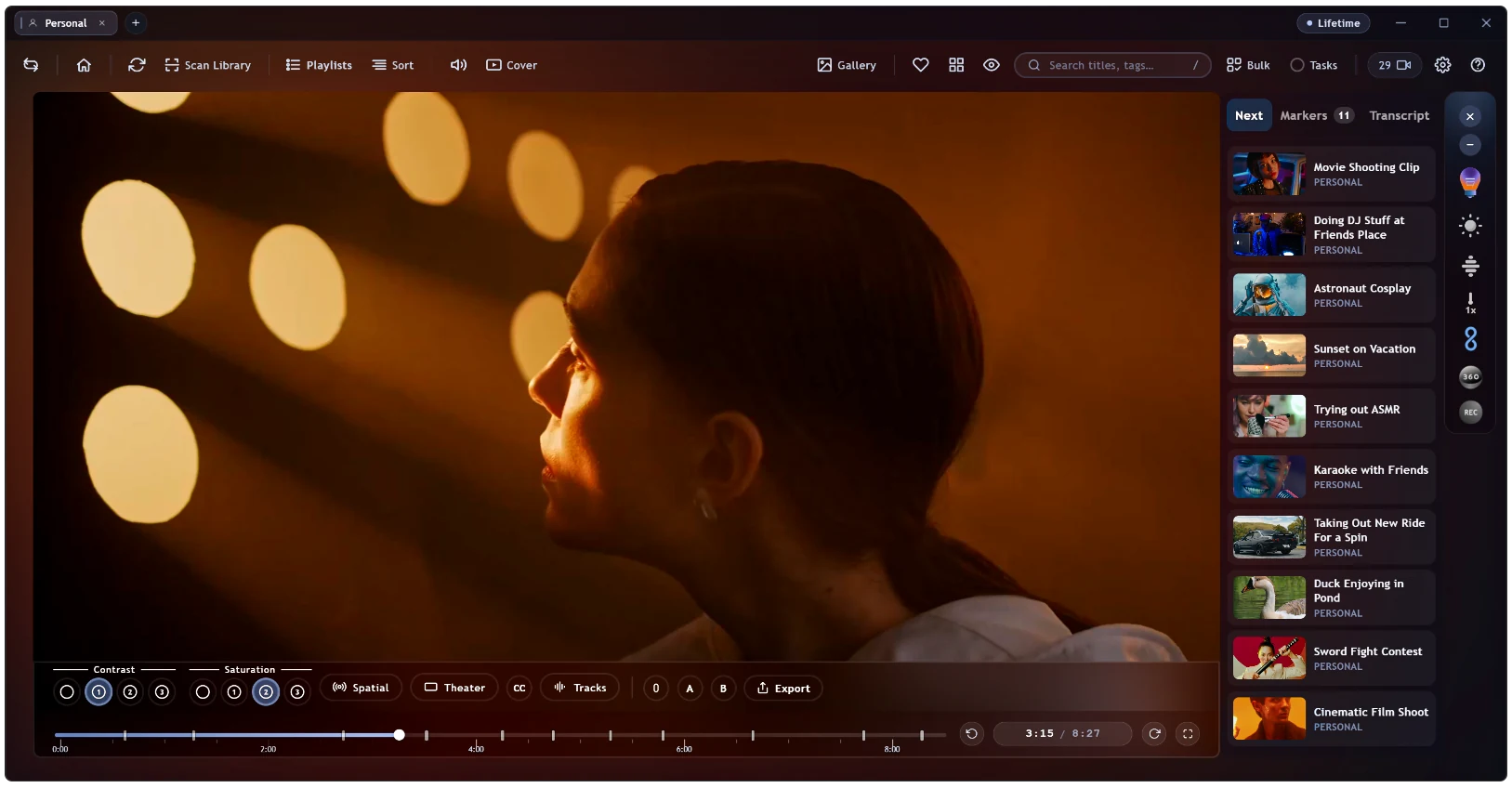
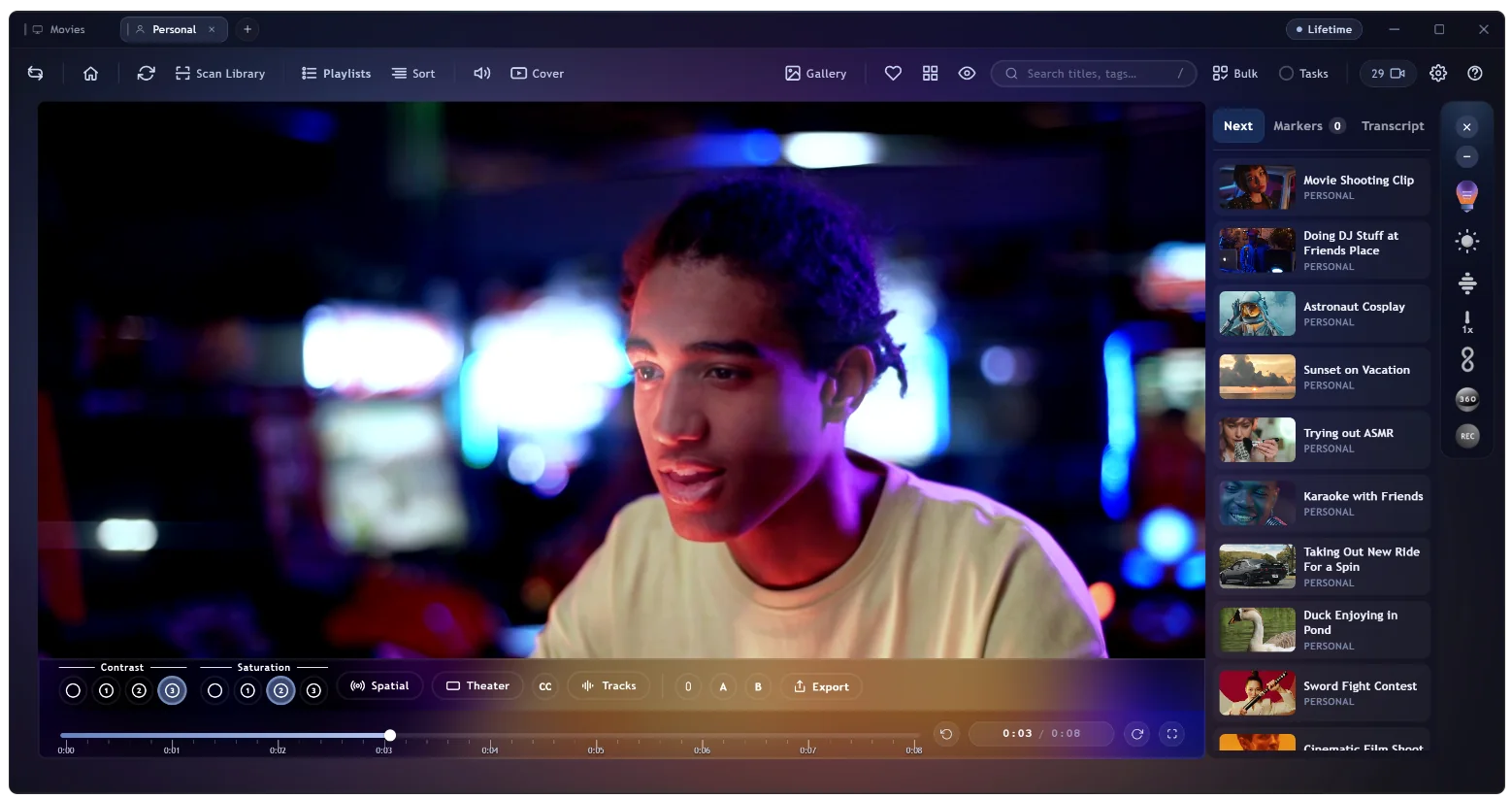
If it exists,
it plays here.
The files other players give up on, like AC-3, DTS and TrueHD, just play. Switch audio tracks, drop in subtitles, and flick on ambient glow to spill the picture, graded, into the room.
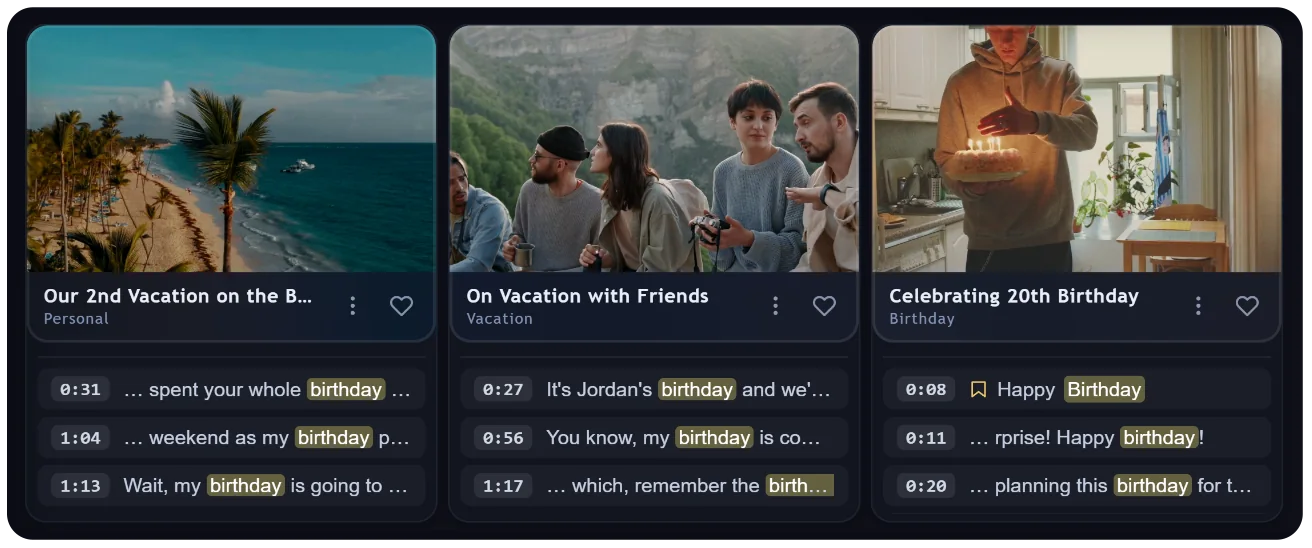
Find the exact
moment it was said.
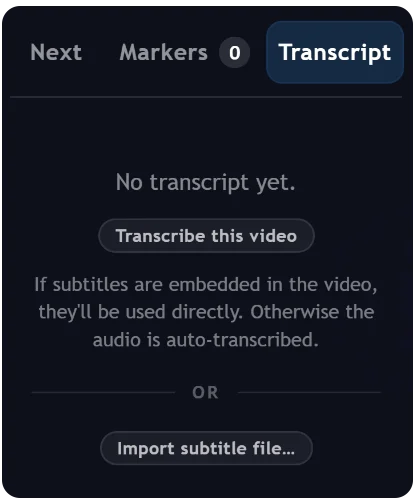
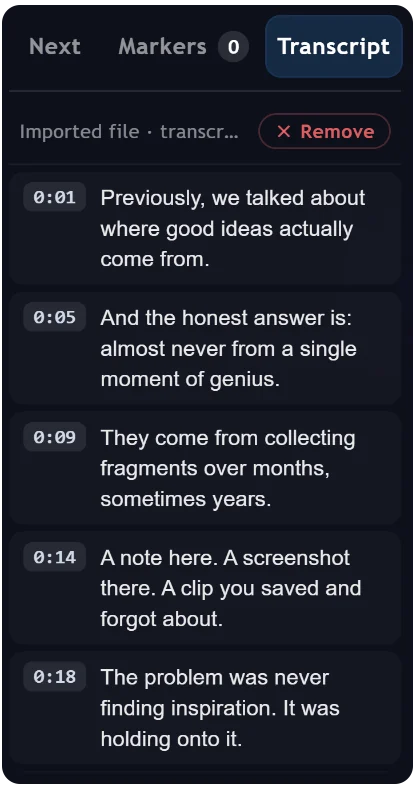
Every word is transcribed right on your machine, then made searchable. Type a single word and MyStash sweeps the spoken audio across your whole library, surfacing every clip that says it, each cued to the exact second.
- Transcribes locally, so audio never leaves your disk
- Search lands on the exact spoken moment
- Or import a subtitle file you already have
Never lose
the good part.
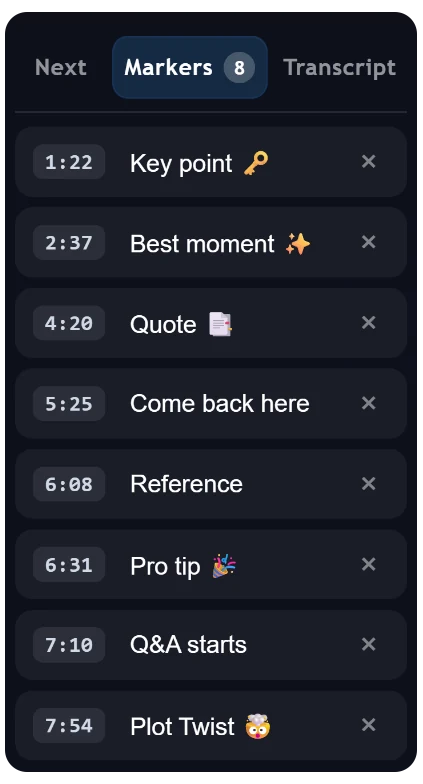
Drop a labelled marker on any moment and jump straight back to it whenever you like. Or transcribe any video in one click to get clickable, timestamped segments, then use that same transcript as subtitles while it plays.
Tags become
playlists.
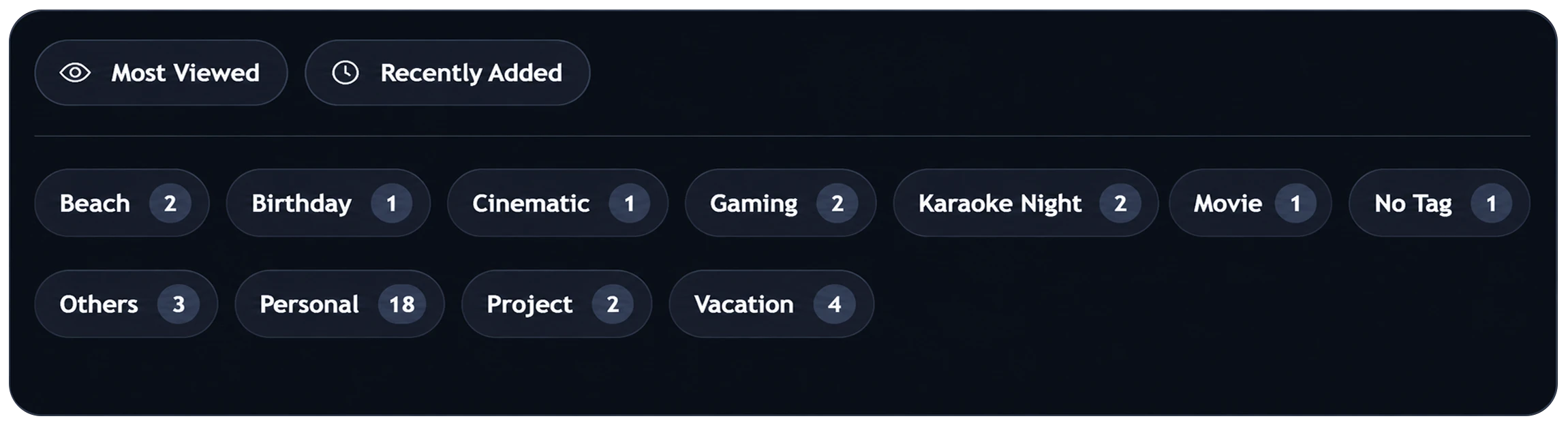
Every tag you add quietly builds its own playlist. Mark a few clips “Beach”, “Birthday” or “Karaoke” and they're instantly grouped, with no dragging and no manual lists.
Your favourites,
on shuffle.
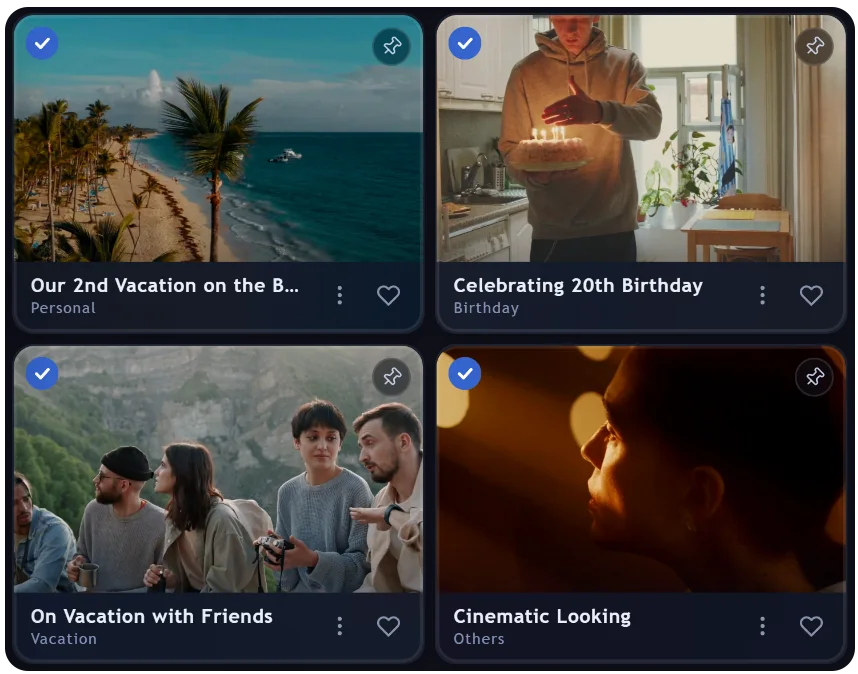
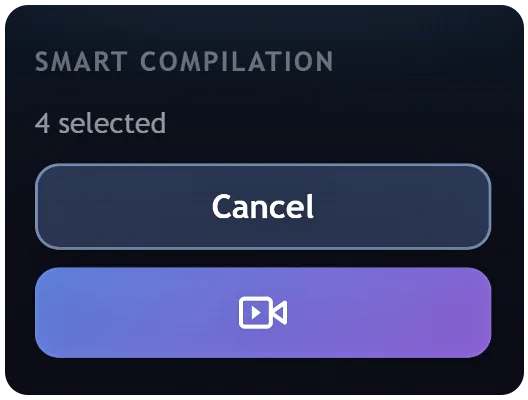
Pick the videos you love and hit play on the compilation widget. MyStash pulls random short clips from each one and plays them back to back, so your selection feels like a living highlight reel.
The whole app,
on one key.
One bar runs every command and finds every title and tag, plus the exact spoken moments inside transcribed videos.
The full toolkit.
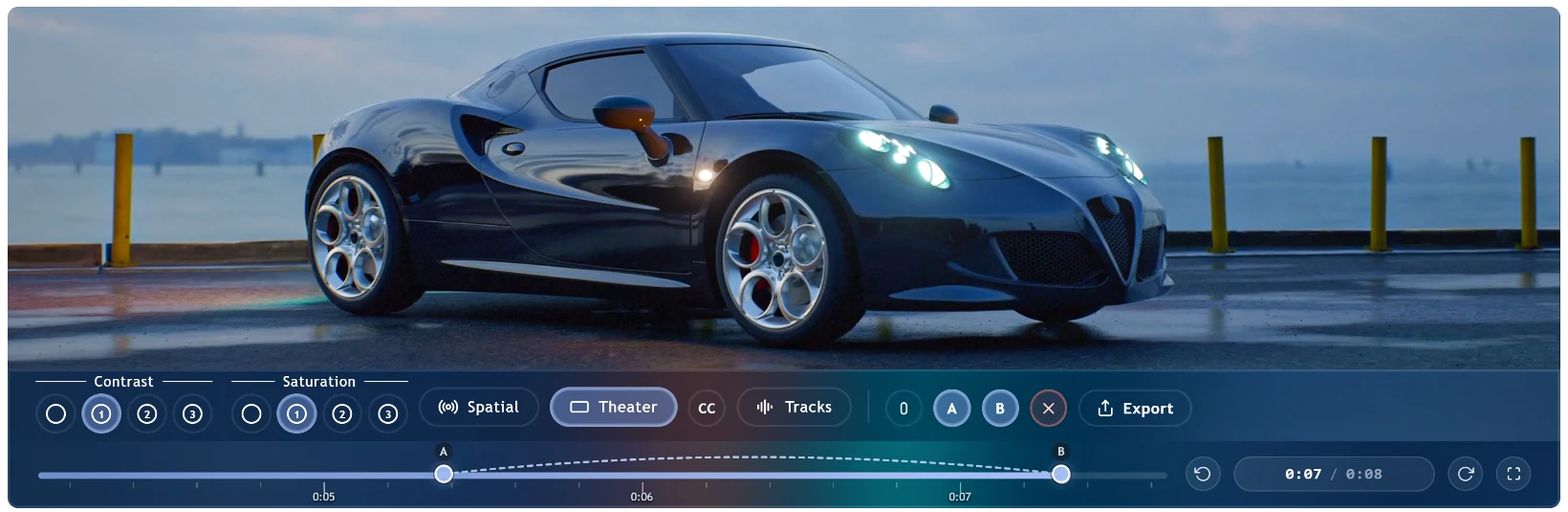
MyStash is packed with serious tools — spatial audio, A‑B loops, markers, on-device transcription, bulk edits, export, auto-tagging and more. A floating rail keeps ambient mode, brightness, speed, VR and screen capture a tap away, without ever cluttering the picture.
Loop it, then clip it.
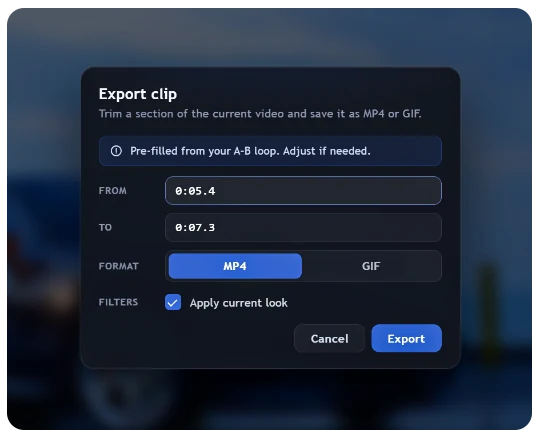
Set an A and a B point to repeat any passage frame-accurate, then trim that exact section and save it straight out as MP4 or GIF, with your colour look baked in.
A place for everything.
Keep films, series, courses and footage in separate, isolated libraries that auto-group episodes into series stacks and films into collections.

Rename freely.
Files untouched.
Give any video a clean title and as many searchable tags as you like. It all lives inside MyStash, and the real files on your disk are never renamed or moved.
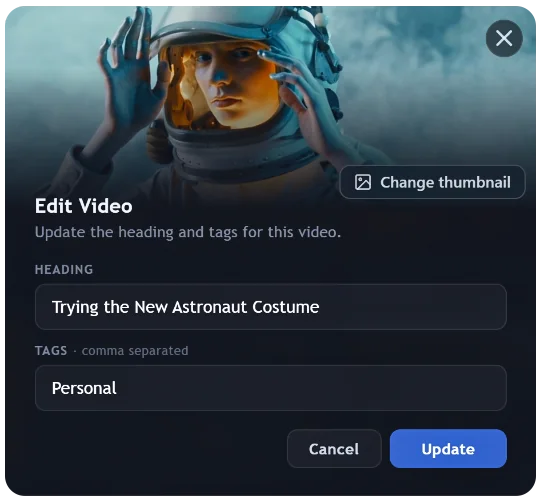
Just
the art.
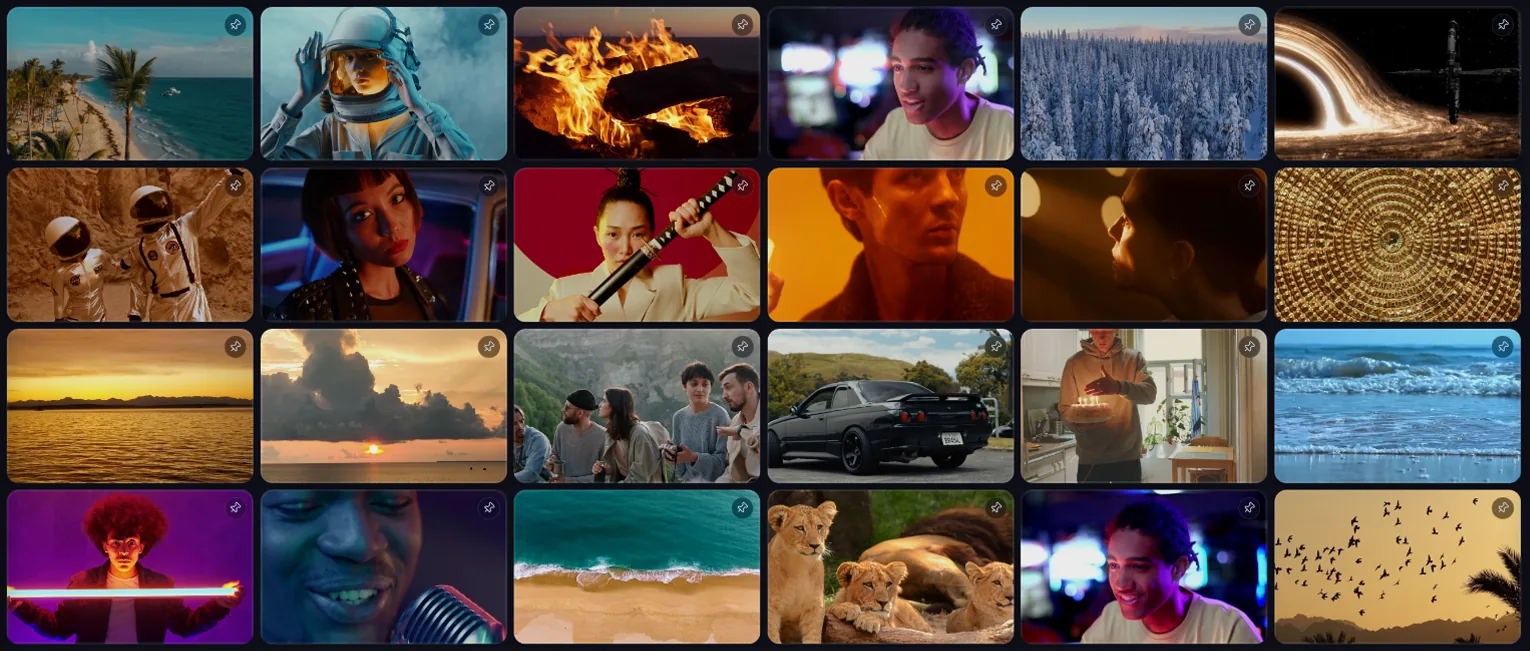
Hide every title and let the key-art breathe, for a clean, scannable wall of nothing but covers.
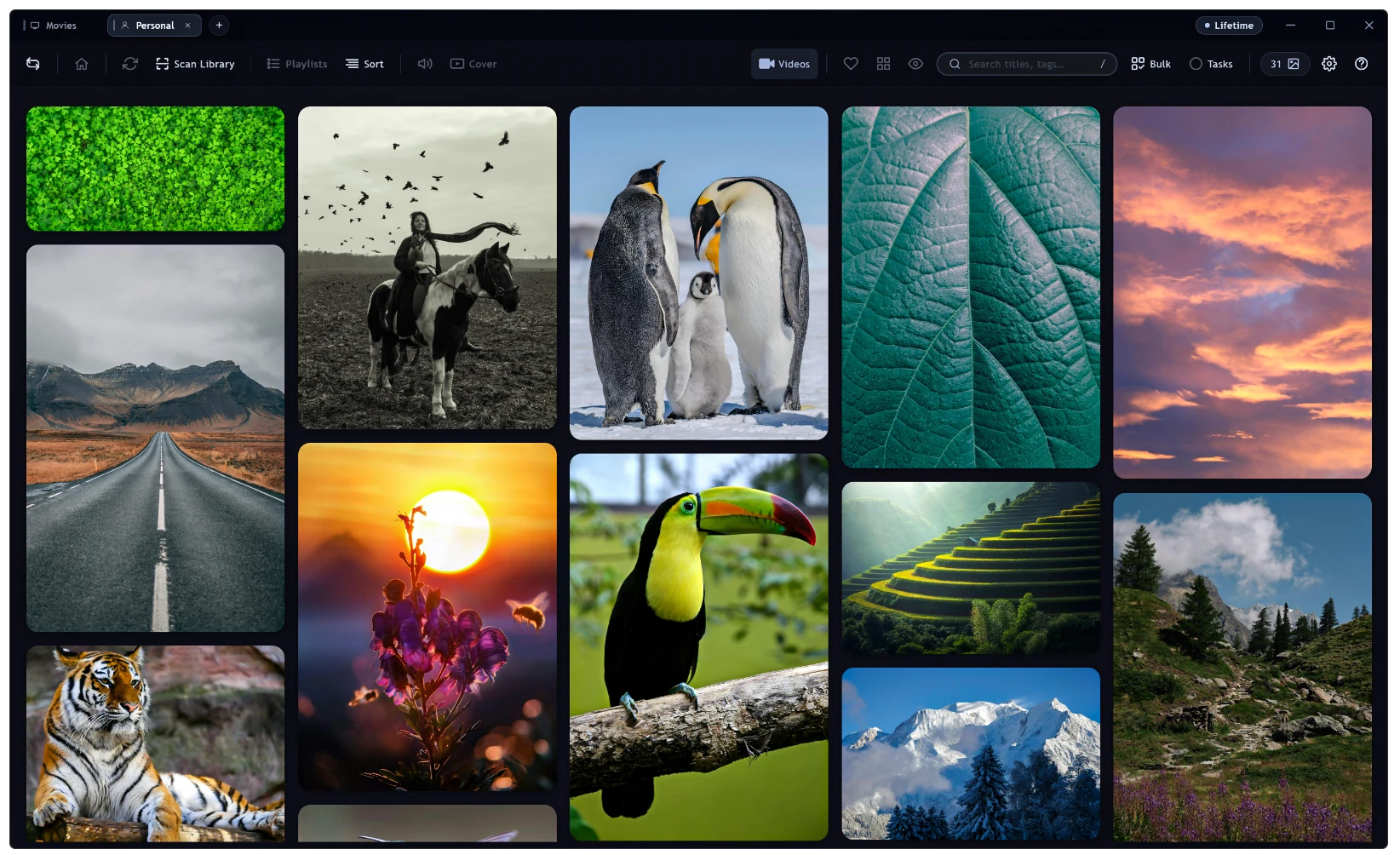
Not just
video.
A fast masonry gallery keeps your photos and stills right beside everything else, in the very same library.
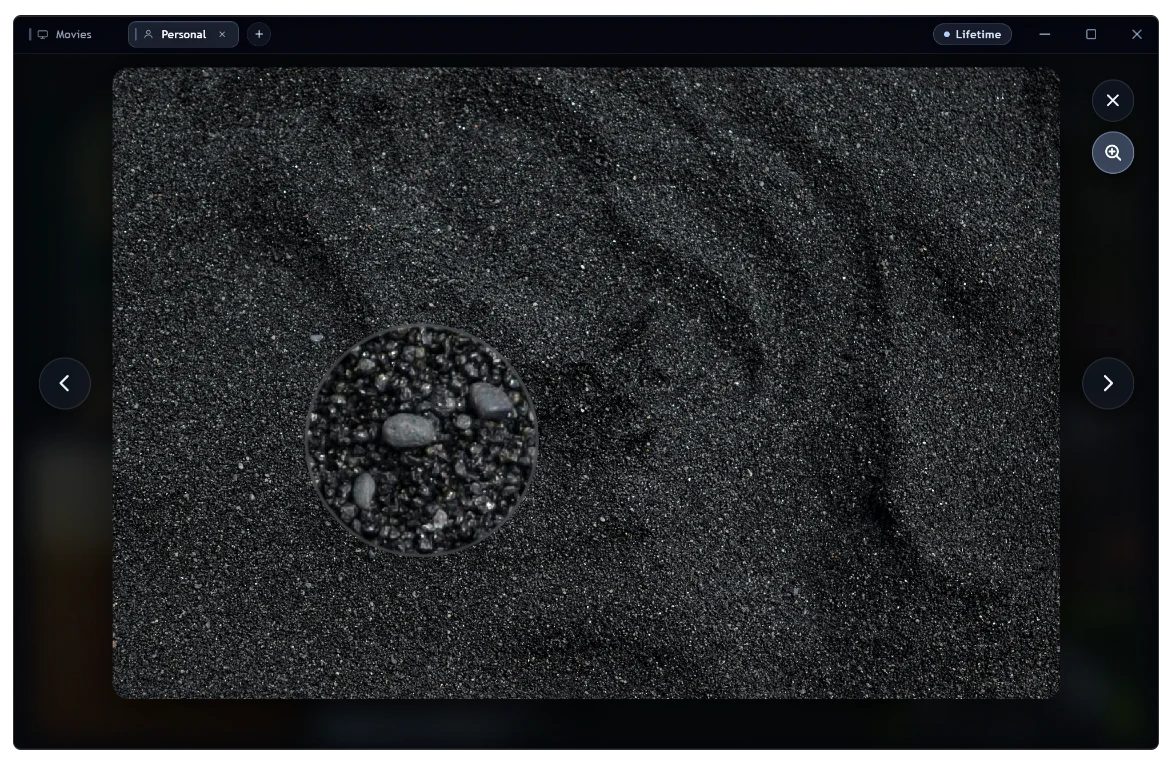
Zoom past
100%.
A dedicated viewer with deep zoom for inspecting the very finest detail, grain and all.
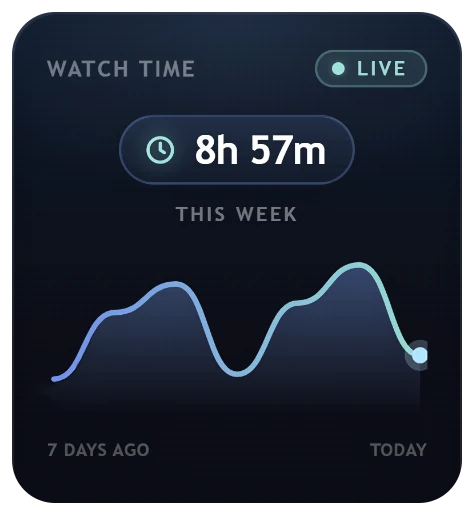
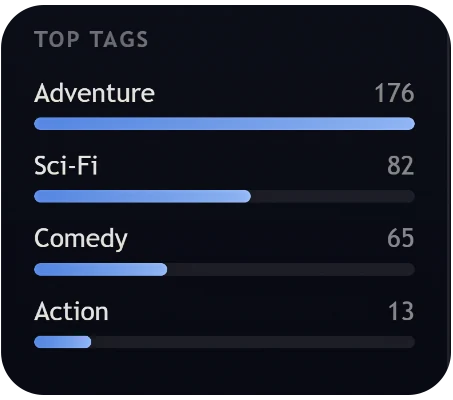
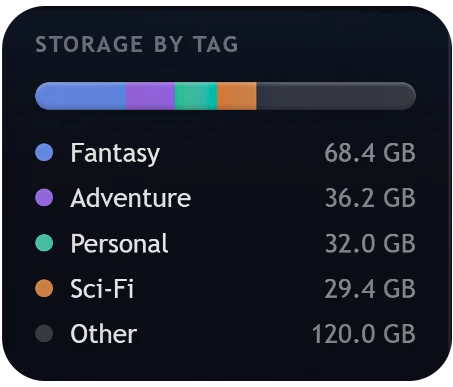
Your library, measured.
Questions, answered.
Is it really fully offline?
Yes. MyStash runs entirely on your machine. There's no server, no account and nothing is uploaded. Your library, your transcripts and your activity never leave your disk.
Do I have to import or move my files?
No. MyStash reads the files where they already live. Nothing is copied into a walled garden, and removing the app leaves your media exactly as it was.
What formats does it play?
The common ones plus the difficult ones, including AC-3, DTS and TrueHD audio that most browser-based players can't handle, with multi-track and embedded-subtitle support.
Is the transcription private?
Completely. Transcription runs entirely on your own machine. No audio is ever sent anywhere, and nothing is stored outside your library.
Is it a subscription?
No. MyStash is a one-time unlock. You pay once and keep it, including updates, for life.
Which platform does it run on?
MyStash is a Windows desktop app today.
Everything you own,
beautifully in one place.
Get MyStash
100% offline · No subscription · One-time unlock · Opens your existing files
Note: Titles and cover art shown are fictional; the app includes no media content.